Press kit
Hexloom Labs makes small file tools that run in your browser. Your file is read and changed on your own device and is never uploaded; you can check that in the Network tab. Every tool is free to use with limits, and Hexloom Pro ($4 a month or $29 a year, or $79 once) lifts them across all of the tools. Copy anything below. The tools, text and images on this site were made with AI assistance.
Doc Scrubber
Shows the author, comments, tracked changes and hidden properties inside a Word, Excel, PowerPoint or PDF file, and saves a clean copy before you send it. The file never leaves your computer.
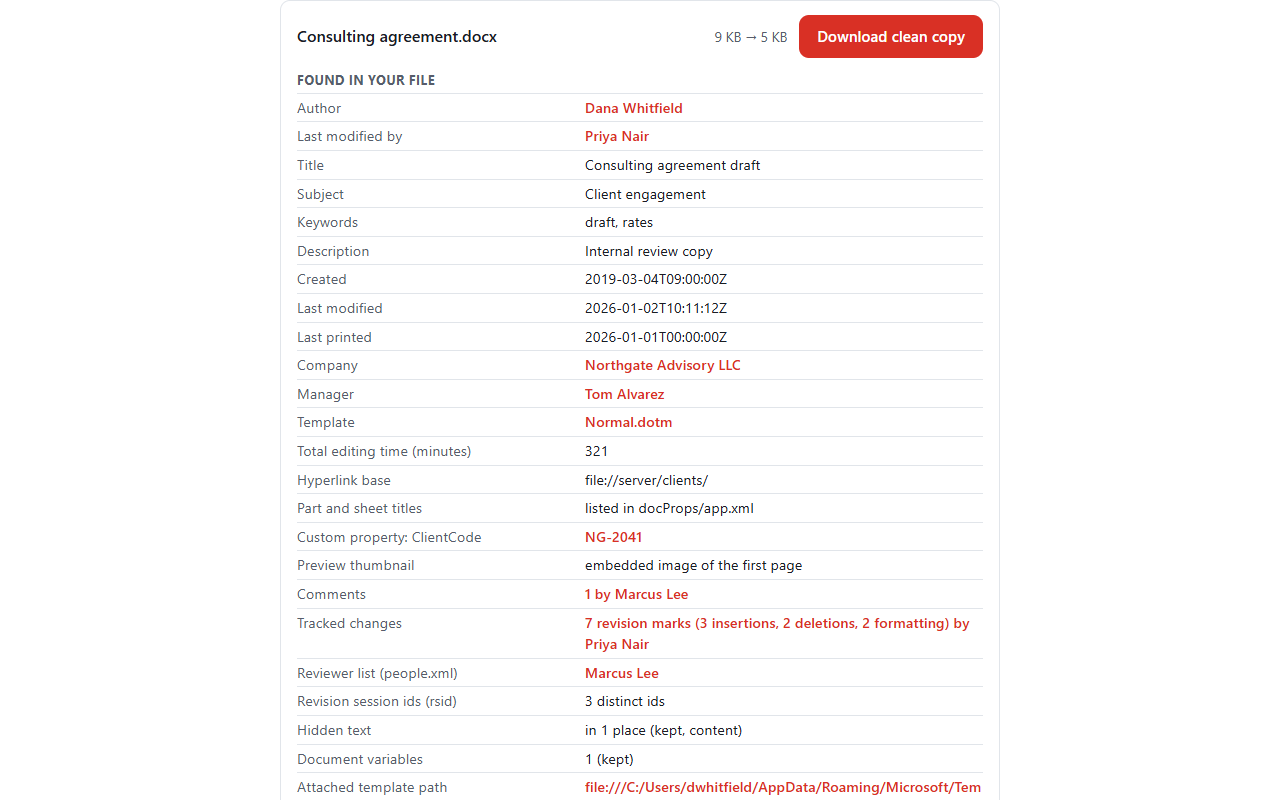
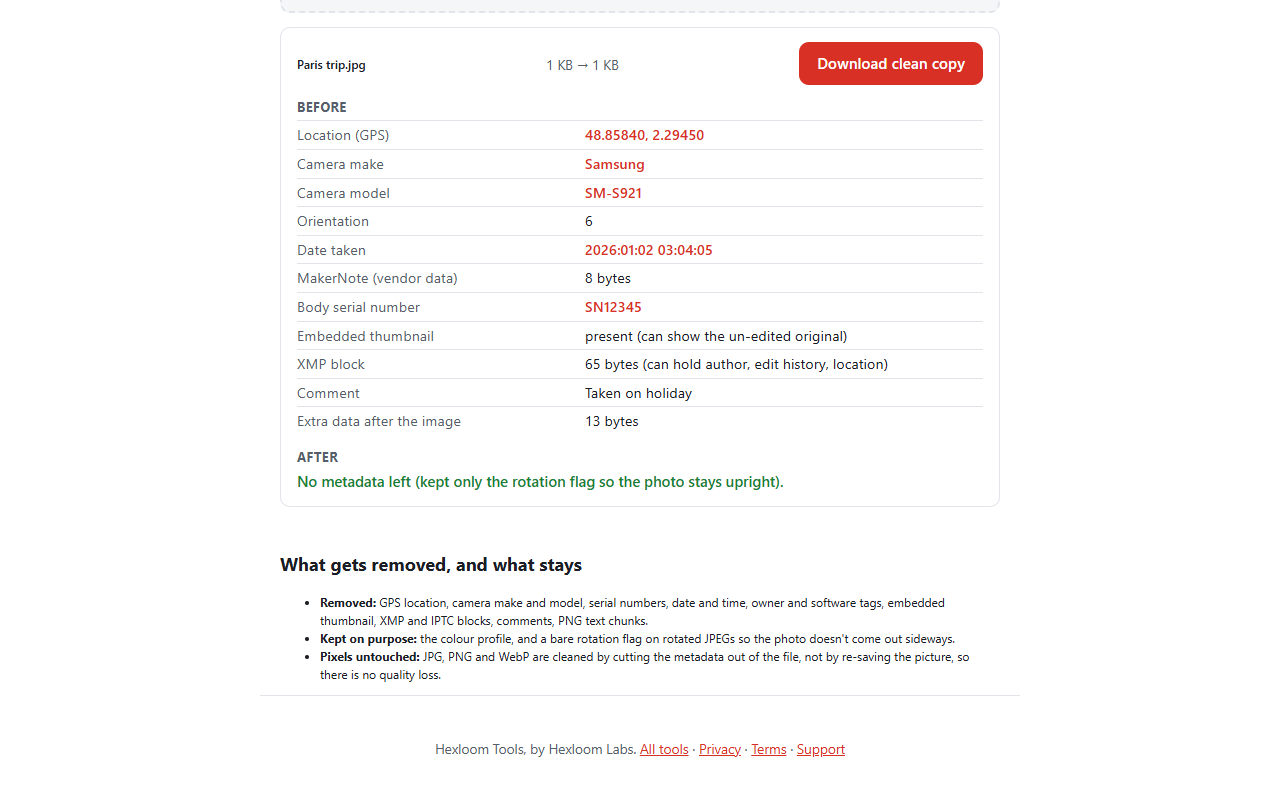
Photo Scrubber
Shows what a photo gives away, such as location, camera and date, and saves a clean copy. It works on your device, so the photo is not uploaded.
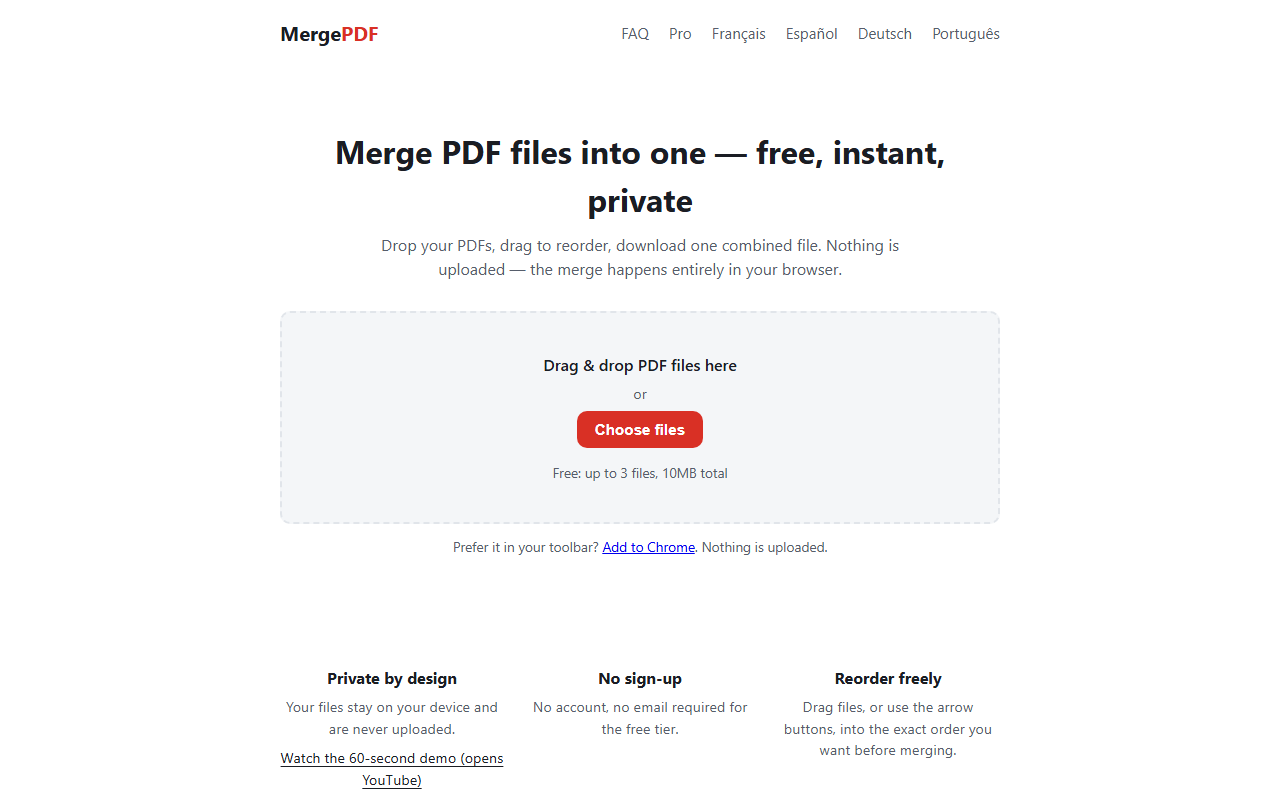
Merge PDF
Combines PDF files into one, in the order you choose. Nothing is uploaded, and the free version merges up to 3 files or 10 MB at a time.
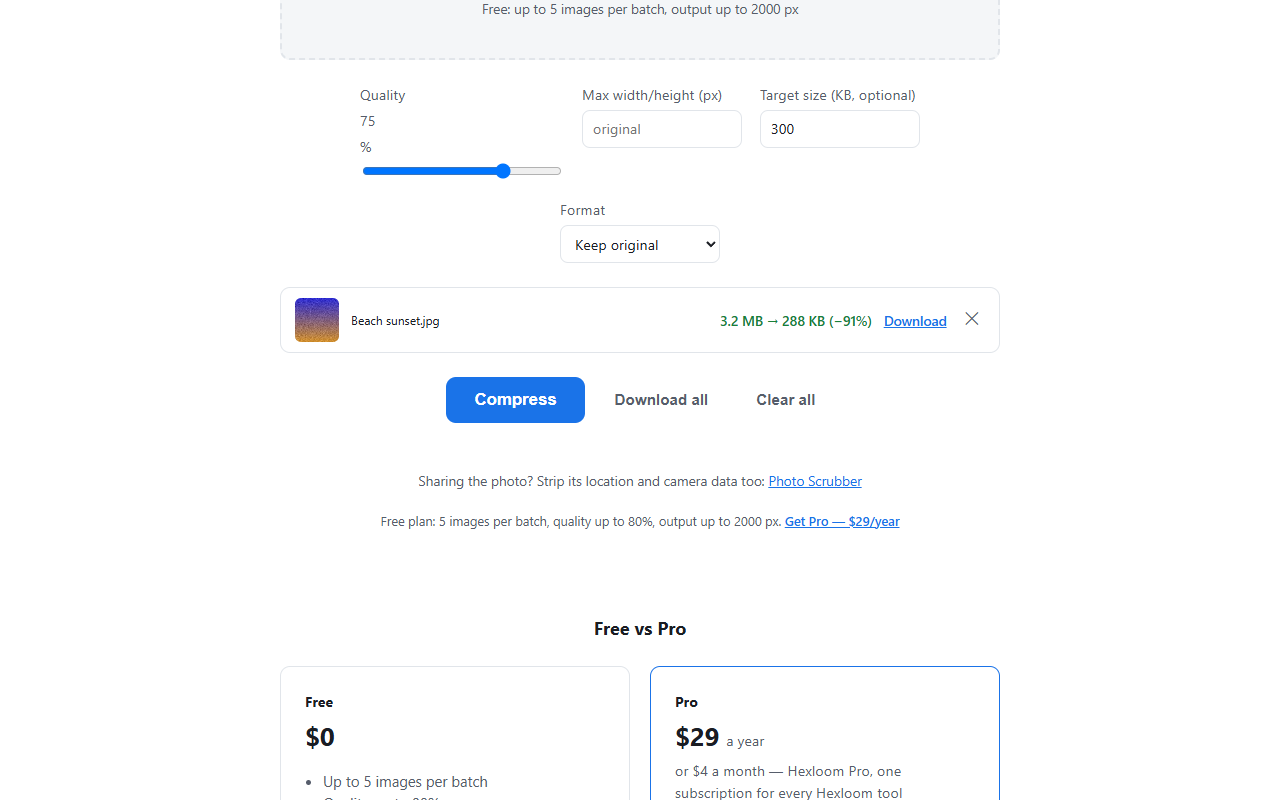
Compress & Resize Images
Makes JPG, PNG and WebP images lighter and smaller in pixels, including to a target file size. It runs in your browser and uploads nothing.
Hexloom Tools for Chrome
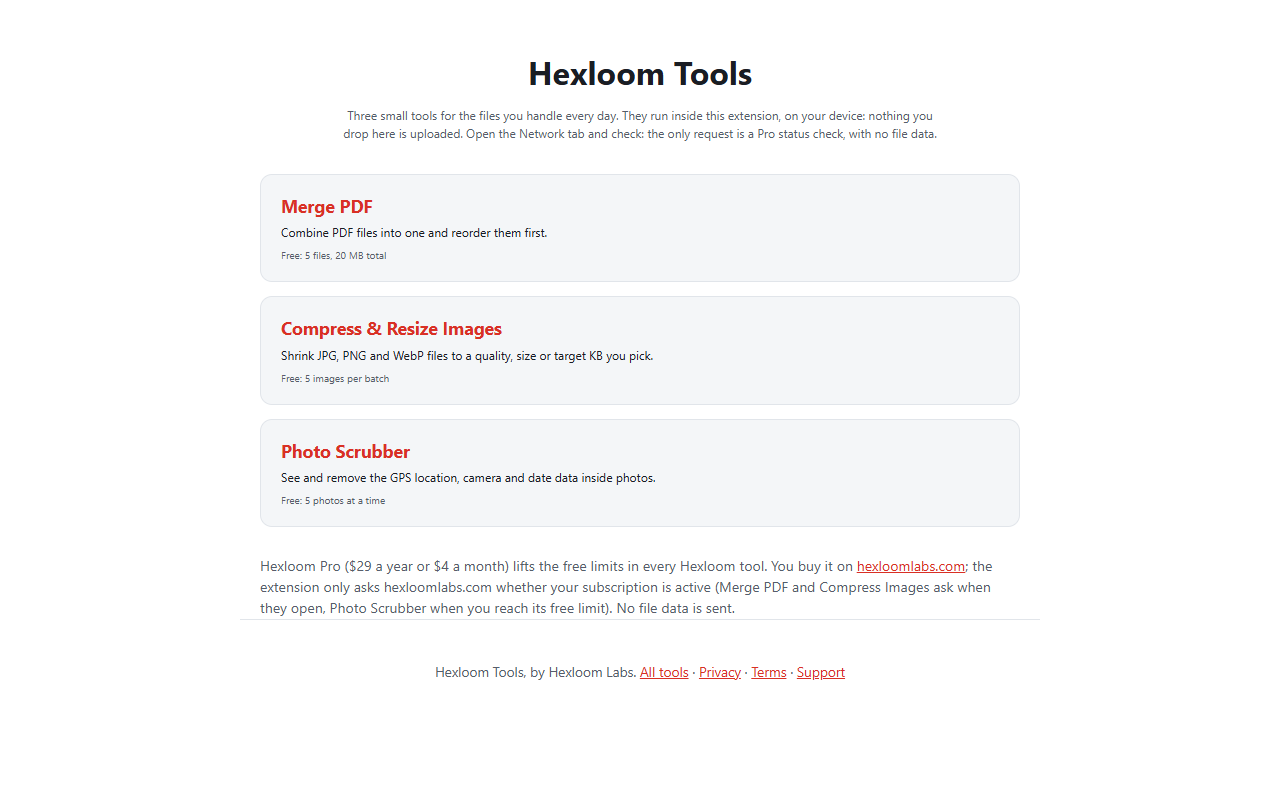
A Chrome extension that puts the PDF, image and photo tools one click away in the toolbar. Files stay on your computer. The extension's free limits (5 files, 20 MB for Merge PDF) differ from the website's.
Logos and badge


Logo (SVG) Square 1024 Square 512 Banner 1500x500 Badge (SVG)



To add the badge or a working tool to your own page, copy the line below. More options are on the embed page.
<a href="https://hexloomlabs.com/"><img src="https://hexloomlabs.com/brand/badge-nothing-uploaded.svg" width="196" height="22" alt="Hexloom: nothing uploaded"></a>Contact
Questions or a different size of image: use the Support page.